
AI chat at work: the fixed brief that replaces trial and error
A generic answer doesn't mean you need to replace the tool. Usually what's missing is a clear working document that is saved and reused for every recurring task.

In this article
What happens when you paste a question into a chat — and why the first answer is almost always generic
You paste into an AI chat what the customer wrote, and ask for a polite reply. Back comes a smooth, polite paragraph that could be sent to any business — and after four rewordings you close the window and write it yourself.
The tool is not to blame. When the chat is not told who the business is, what it is allowed to offer, what a suitable reply looks like, and what must not be added, the result stays general. A more sophisticated question will not change that — only a fixed work brief will.
In an office that receives inquiries about appointments, a customer asks whether a scheduled meeting can be moved. The office manager knows there are rules for changes, but they did not appear in the request she pasted. The chat does not know whether it is allowed to offer another time, which details to clarify, or who needs to approve the change.
The wording can be fluent and still unsuitable. A request like "reply politely" defines the tone, but not the work. To get a usable draft, you need to write what to clarify, what information it may rely on, and how to finish.
This is true for anyone looking for an AI chat in Hebrew and also for anyone already using ChatGPT. Good Hebrew is not a substitute for the business's work rules.
The wording repeated in every conversation also does not create a method. The brief should be a document the business keeps, updates, and attaches every time the chat is used for this task.
Instead of starting over each time, you build one brief for a recurring task. The employee attaches the relevant material, checks the result, and improves the document when a missing rule is discovered.
Two types of businesses, the same failure: those working without any software and those who already bought an AI tool
A business working without software and a business that already bought an AI tool can get the same generic answer. In both cases, the problem is that there is no written brief explaining to the chat what is required.
In a brokerage office that works with a binder, folders, and a tracking file, the business owner copies a message from an interested party and asks what to reply. The chat returns a polite wording, but it does not know which details about the property have already been confirmed, what needs to be clarified before scheduling a visit, and what must not be promised. She corrects the text herself or gives up on it.
In another office, an AI tool has already been purchased and examples were entered into it. The employees still request things in different ways. One asks for a short answer, another asks for a formal wording, and another employee does not attach the policy the answer should rely on.
The tool has a place in the work, but there is no agreement about the material attached, the length of the answer, the limits of the promise, or the cases that should be passed to a person. Buying a tool does not determine how to work with it.
The difference between the two businesses is the tools around the task. The gap is similar: the right way to handle an inquiry is in the business owner's head, scattered across documents, or dependent on each employee's habits.
| Work situation | What reaches the chat | What may go wrong | What is decided in the brief |
|---|---|---|---|
| Notes and files | A short question and few details | The chat fills in information that was not provided | Which material to attach |
| Shared AI tool | Different requests from every employee | Answers in different styles | Uniform tone and format |
| Old text that is copied | Instructions from a previous conversation | An expired rule comes back into use | How to check currency |
| An unusual inquiry | A request for a final wording | An unapproved commitment was created | When to stop and pass to a person |
Those examining possible uses of tools can also use AI chat for business: from a general conversation to a task that works. Here the focus is one recurring task and the document that clarifies how to perform it.
The model people remember: a fixed work brief — role, raw material, format, example, and what is forbidden
A fixed work brief includes five parts: role, raw material, format, example, and what is forbidden. Each part answers a practical question about the same task.
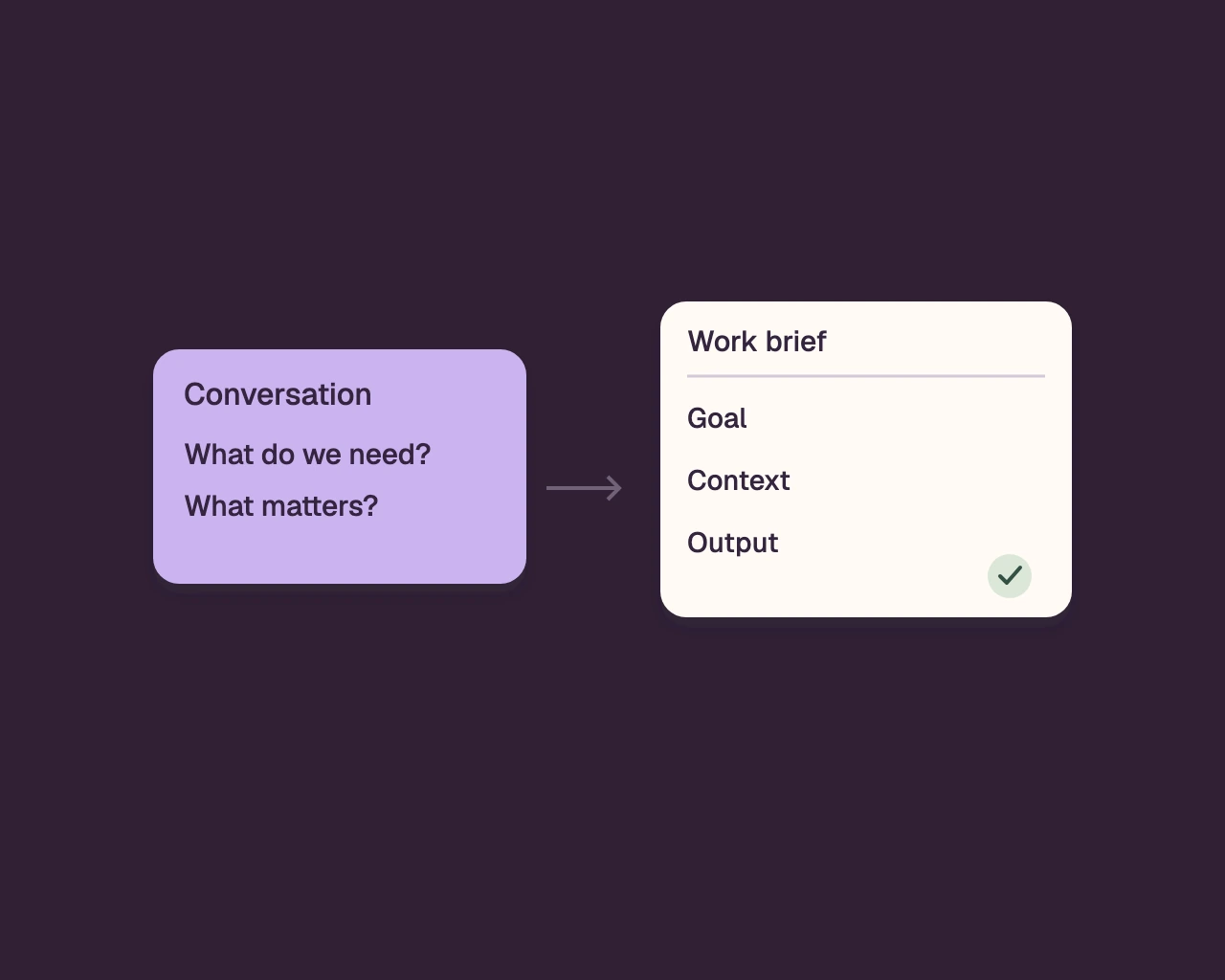
We will use one task throughout the explanation: replying to a customer who asks to move a meeting. If the request is only "write a polite reply," the chat does not know what to clarify or whether it is allowed to approve the request. Each part of the brief adds different information.
Role: What should the chat produce? For example, a draft reply to an existing inquiry. It does not approve a change in the calendar and does not determine who is entitled to it.
Raw material: What should the employee attach? For example, the wording of the inquiry, the type of service, the existing time, and the approved change rules. If there is no information about availability, the chat should not propose a time as if it had been checked.
Format: How should the draft look? One can ask for an opening that refers to the inquiry, one question to complete missing information, and a closing that explains the team will check the possibility. The structure helps the employee identify whether the draft is ready for review.
Example: How does a reply the business approves sound? Attach an internal example that has been checked, and explain what to learn from it: the tone, the order, or the level of detail. Do not copy from it facts that do not fit the current inquiry.
What is forbidden: Which boundaries must be kept? Not to promise that the change was approved, not to invent availability, not to add a price, and not to state a time when the business will get back if it has not committed to it.
This is how a general reply becomes a draft that can be checked according to the business rules. The employee enters the instructions and the material on every use; the chat does not learn the brief on its own.
The five parts complement each other: role defines the work, raw material supplies facts, format arranges the result, example illustrates the style, and what is forbidden keeps the boundaries.
Not a better question — a fixed brief.
How to build a brief for one recurring task — five steps, without knowing how to phrase "prompts"
Build a brief for one task the business already performs, not for all activity together. You don't need to learn how to phrase "prompts"; you need to agree on what the chat receives, what it returns, and when a person checks.
Step one: choose a defined action. "Help in the office" is too broad. "Draft a reply to an inquiry about changing an appointment time" clarifies what starts and what the requested output is. Choose an action that has a clear beginning and a result that can be checked.
In a clinic with a reception desk, a question about opening hours is not necessarily the same task as changing an appointment. If you compress both into one document, the instructions may conflict. Start with one type of inquiry the team already knows.
Step two: collect the existing rules. Check a guidelines document, an approved reply, a written policy, or an internal procedure. Mark which facts are required for each inquiry and which vary. A rule that no one in the business is authorized to approve does not belong in the brief.
If a calendar check is required, write that the employee must check it. Do not present availability as if the chat sees the calendar. If a manager's decision is required, the brief should present the question for review and not supply a fabricated answer.
Step three: define a role and a boundary. State what the chat prepares and what remains with an employee. "Prepare a draft" describes an output; "approve the request" grants authority. Separate phrasing from decision.
Step four: set a structure and add an example. Decide whether the result will be a short message, a list, or a summary. Choose an example the business approved, and check that it still matches the policy. Old text does not become correct just because it is easy to find.
Step five: test different situations. Try the brief on a clear request, a request missing information, and a request that requires a human decision. Check that the chat separates facts from assumptions and does not continue as if all details are known.
A useful brief is not necessarily long. An employee needs to understand from it which material to attach, which result to expect, and when to stop. If one of the answers is unclear, go back to the relevant section and change it.
The brief itself: the full document section by section, ready to copy into your business
The following document is a full template you can adapt to your task. Write the business rules in plain language, and check each rule against the person authorized to approve it.
Task identification
- Task name: which single action do employees perform over and over?
- When the brief is used: which conditions must exist for the task to start?
- When it is not used: which exceptional inquiries, decisions, or cases do not belong to the task?
- Who checks the result: which role in the business checks the draft before use?
The role
- What does the chat do in this task? Write the requested action in clear words.
- What output does it prepare? A draft, a summary, a list of questions, or another output.
- What is not within its authority? For example, approving an action, changing policy, or committing on behalf of the business.
- What should it do when the request goes beyond the role? Note that it requires human review and stop drafting the final answer.
The raw material
- Which details are attached on every use? Write a list of the fields required for the task.
- Which documents or sources are approved for use? State what the employee is allowed to attach.
- What changes on every request and what stays fixed? Separate variable data from fixed rules.
- Which details must appear in order to prepare a draft? Mark every detail whose absence changes the answer.
- What does the chat do when information is missing? Ask a question, mark the missing detail, or return a list of clarifications.
- Does the material contain personal or sensitive business information? Replace identifying details with general information, and do not attach information the business has not approved for transfer to a tool.
The desired format
- In what form should the result be returned? A message, bullet points, a summary, or another structure.
- Which parts must appear and in what order? Write the required headings or steps.
- Which tone is appropriate? Matter-of-fact, warm, formal, or another description the business people understand.
- Who is the result intended for? State the reader and their level of knowledge on the subject.
- What is the appropriate length? Define length by the task and the channel, not by a general assumption.
- When should a question be presented to the employee before writing a draft? Give an example of a situation where there is not enough information.
An approved example
- Which example is attached? Choose an answer, summary, or text that has been reviewed and approved for internal use.
- What do you learn from it? Tone, structure, level of detail, or type of ending.
- What do you not copy from it? Old facts, identifying details, or a commitment that does not belong to the request.
- Is it suitable for the current policy? Check the answer against the business's up-to-date rules.
What must not be done
- Do not invent facts, availability, price, policy, or a promise.
- Do not present a discount as if it appeared in the attached material.
- Do not approve an action that the business requires an employee to check.
- Do not add information from a source that was not defined as an approved source.
- Do not draft a final answer when the missing information changes its meaning.
- Do not attach or reproduce identifying details or sensitive information beyond what was approved for the task.
- What other boundaries has the business set for this task?
Check before use
- Do all the facts in the draft appear in the attached material?
- Does the output meet the defined format and tone?
- Is there a commitment that was not approved?
- Did the chat fill in a missing detail instead of flagging it?
- Is review by another employee or a manager required?
- Was the draft approved according to the workflow, or does it still require approval?
Updating the guide
- Which miss or correction led to the update?
- Which section changed as a result?
- Who approved the new rule?
- When do we check again that the example, the format, and the policy are still correct?
Do not assume the chat remembers a document from a previous conversation. Keep the guide somewhere employees can easily find it, and on every use make sure the relevant instructions and material are in the conversation.
Four tasks every business repeats — and the full guide for each one
The same template takes on different boundaries in each task. The following four guides include the five parts, alongside an acceptance check that clarifies what needs to be checked before use.
Customer reply
In a device repair shop, a customer may ask about the status of the repair. The employee knows she has to check with the technician, so the chat should prepare a draft or a clarifying question — not present an assessment as if it were a verified update.
- Role: Draft a reply to the attached inquiry. Do not approve a request, do not change an order, and do not commit on behalf of the business.
- Raw material: Use the text of the inquiry, its subject, the details required for a response, and approved and relevant policy. State what needs to be completed before drafting when material information is missing.
- Format: Open with a direct reference to the inquiry. Present the approved information, ask a focused question when needed, and end with a step the business can actually take.
- Example: Attach an approved reply for the same inquiry category. Learn the tone and structure from it, not facts that do not fit the current case.
- What is forbidden: Do not promise a date, a refund, availability, or handling that were not approved. A complaint, an unusual request, or a dispute require review by an employee.
- Acceptance check: Does every detail match the inquiry and the policy? Is the next step clear? Has an unapproved promise remained?
Meeting summary
In an accounting office, a conversation about missing documents can include an idea, explicit agreement, or just a suggestion for follow-up. The summary must distinguish between them, because each leads to a different action.
- Role: Turn the provided notes or transcript into a readable summary. Do not determine what was decided if the conversation does not make it clear.
- Source material: Use only the notes, transcript, or document that were permitted for use. Mention participants by the role required, without adding details that do not appear in the source.
- Format: Divide the summary into the purpose of the conversation, points discussed, explicit decisions, open questions, and next steps. Note an owner and a date only when they were stated explicitly.
- Example: Attach an approved internal summary and explain whether it is important to keep it concise, in a fixed order, or to separate decisions from suggestions.
- What is forbidden: Do not turn an idea into a decision, invent an owner or a date, or fill in an unclear passage. Mark an ambiguous point for review.
- Acceptance check: Can every decision be found in the source? Did the suggestions remain suggestions? Do the owners and dates match what was said?
Quote
In a building maintenance company, a request for a quote can start from a short description of a fault. Before drafting, it is necessary to clarify what was inspected, what is included, and what still requires a visit or a manager's decision.
- Role: Organize a draft quote from data the business approved. Do not set a price, payment terms, or scope of work yourself.
- Source material: Attach a description of the need, an approved scope of work, selected components, approved terms, and any data permitted to be presented. Ask for completion before drafting when the required data is incomplete.
- Format: Present the need as it was understood, the service that was approved, what is not included if it was defined, the terms, and the next step. Separate approved information from items awaiting approval.
- Example: Use an approved quote for the same service family. Learn the order and language from it; do not copy a price, terms, or components without explicit approval.
- What is forbidden: Do not guess a price, add a benefit, change terms, state a timeline that was not approved, or present a draft as if it were a final quote.
- Acceptance check: Was every component and commitment approved? Do a price or terms appear that were not provided? Is it clear that the draft requires review before sending?
Marketing text
In an interior design office, text about a new service needs to distinguish between describing the process and promising an outcome. The chat can draft approved messages, but it should not invent a promise or a data point to make them persuasive.
- Role: Draft content that presents a service or an offer according to approved messages. Do not add claims about results, clients, or an advantage that has no approved source.
- Raw material: Attach the defined audience, the purpose of the text, the service details, the approved facts, the publication channel, and the action you want from the reader.
- Format: Write one headline, an opening that presents a defined need, a short explanation of the service, and one action the reader can take. Match the length to the channel; prepare several versions only if you asked for it.
- Example: Attach approved content for the same channel and define what fits in it: the directness, the vocabulary, or the structure. Do not ask it to imitate a specific company or person.
- What is forbidden: Do not invent a data point, a result, a recommendation, or a promise. Do not claim that the service suits everyone. Flag any claim that lacks a source for review.
- Acceptance check: Is every claim based on approved material? Does the text address the defined audience? Is it clear what the reader is being asked to do?
If you are evaluating an AI tool that has already been purchased, the questions about artificial intelligence in businesses and the gap between a demo and daily use can help distinguish between what looks good in a demo and the work the team needs to perform.
What do you do when the answer is good but not accurate — how to fix it without starting over
When part of the answer fits, change the instruction or the material that caused the miss instead of starting over. First identify whether the problem was in the role, the source material, the format, the example, or a boundary that was not defined.
Say the draft for a message about a change of date sounds right, but presents the alternative date as if it were confirmed. Do not settle for a request to "write it better." Make it clear that the answer is a draft, that availability requires checking, and that the client should be asked for suitable options.
If a fact was added, write that the chat must note it has no source. If the text is long, update the format section. If a question is missing, explain in which situation it should ask before drafting.
- Note which part of the draft is correct and worth keeping.
- Mark the sentence or fact that is not correct.
- Explain what is missing in the instruction or in the material provided.
- Change one section in the brief to address the cause.
- Try again with the same material and check that the mistake did not repeat.
Not every temporary fix needs to become a permanent rule. If the employee forgot to attach a document, it may need to be added to the list of materials. If it is an unusual request, the solution may be a stop rule rather than more detail in every part of the brief.
In an event planning office, a draft plan can include equipment that did not appear in the list. Instead of asking for more ideas, you can define that every suggestion will be based only on the equipment provided and that any gap will be marked for clarification.
Keep the updated wording in a place accessible to employees, and mark according to internal procedure which version is current. Do not assume that a brief entered in one conversation will appear in another conversation. Every use requires attaching the correct instructions.
Boundaries: what not to put into chat, and what must be checked before sending onward
Do not put into chat information that the task does not require or that the business has not approved for transfer. Before sending, check facts, decisions, and commitments against an authorized source and a person permitted to approve them.
In a physiotherapy clinic, a message about a treatment can include a name, contact details, and medical information. If only a general wording is required, replace identifying details with non-identifying information and do not attach medical information that is not needed. Check the organization's guidelines before using sensitive information.
Even in a business that does not handle medical information, internal documents, payment details, offers that have not yet been published, passwords, and work plans are not automatic raw material. Ask whether the detail is needed for the task and whether it is permitted to transfer it to the tool being used. When there is no clear answer, do not paste it before clarifying.
It is impossible to infer from the briefing what the chat provider does with content that was entered. Check the terms of use, the organization's settings, and the guidelines of the person responsible at your company. When there is no approval to use the information, use alternative non-identifying material.
Check every draft, even when it sounds convincing. Compare names, dates, and details against the source; look for a commitment that was not approved; and check that the answer addresses the question that was asked. Fluent wording is not proof that the information is correct.
In an installation company, a message about a visit may include availability that has not yet been approved. The employee must check the work schedule before sending. If the decision requires approval or judgment, the briefing should stop a final draft.
Use of personal information may be subject to obligations under the Privacy Protection Law, including Amendment 13, and under the GDPR. This is not legal advice.
How do you know it works — three simple measurements in the first two weeks
During the first two weeks, check three things: how many drafts required a substantive correction, how many times essential material was missing, and how many times the chat crossed a rule. The measurements show whether the briefing helps with the specific task; they do not prove that the answer is always correct.
In an architecture office, you can note alongside each draft whether a change in content was required, whether information was missing, and whether a fact or commitment appeared that the employee had to remove. There is no need to document punctuation corrections; look for misses that change the meaning of the work.
First measurement: substantive correction. Mark whether the draft required a change in a fact, a decision, a tone, or the next step. When the same correction repeats, check whether an instruction or an example is missing.
Second measurement: missing material. Document which detail was required in order to continue and was not attached. If employees repeatedly ask for the same policy or data point, update the list of material before use.
Third measurement: crossing a limit. Mark whether the chat invented a fact, presented an assumption as a decision, added a commitment, or ignored a stop instruction. A crossing requires correction even when the wording itself is successful.
| What is checked | What is written down | What the pattern may show | What is changed |
|---|---|---|---|
| Substantive correction | What changed in the draft | A missing instruction or example | Format, example, or limit |
| Missing material | Which detail was not attached | An unclear input requirement | The raw material list |
| Crossing a rule | What was crossed and which instruction applies | A vague or weak limit | The stop and check instruction |
After the two weeks, look for a pattern, not a single case. One forgotten document can be a usage error. If the same detail is missing again, add a clear requirement to the raw material. If a prohibited promise repeats, strengthen the role limit and require a check before use.
At a small travel agency, you can check whether drafts for change requests include the required details and whether employees repeatedly correct the same point. The tracking says only whether the specific briefing helps in the process being checked, not whether the chat is suitable for every task.
Keep the record short, otherwise employees will stop documenting. Decide who checks the notes and who approves a change, so that different versions of the same briefing do not spread among the teams.
When the briefing stops being enough and you start connecting the chat to the system
A briefing is enough when the employee attaches the material, runs the task, and checks the result. When the work repeatedly involves copying between messages, a calendar, documents, and customer records, the problem is no longer just wording.
In a property management office, an inquiry may arrive on WhatsApp, become a visit task, and later appear in a report. The briefing can help draft a reply, but it does not itself move the details between the tools and does not show whether the inquirer has already been contacted back.
Not every business needs a connection to a system. If the task happens occasionally, is easy to check, and the employee knows what to record and confirm, a written document may be enough. An additional connection brings decisions and maintenance with it, so first you need to locate where the process gets stuck.
Signs that the need has gone beyond the briefing: the same information is recorded again in several places, it is not clear who contacted the customer back, or the reply requires information that already exists in another system. The explanation about business automation and when a connection between tools becomes a burden helps identify whether moving between tools is weighing down the work. The article about automation for businesses and when a connection between tools stops being enough examines when it is worth thinking about a connection as part of a broader process.
Sketch out one task before deciding: where it starts, who checks it, where the result is recorded, and what happens when a detail is missing. If the chat needs to integrate into the business system, alcyone14 builds and operates a tailored system that can include a CRM, WhatsApp AI agents, automations, a dashboard, payments, and documents. You can start by examining one process and checking whether a briefing is enough or whether automation and AI within one business system is required.
Frequently asked questions
Does a fixed briefing guarantee that the chat's answer will be correct?
No. The briefing provides context, structure, and boundaries, but the result still requires checking against the business's sources and policy. Check facts and commitments before sending.
Does the chat remember the briefing from a previous conversation?
Do not assume it does. Keep the briefing as a business document, and use the up-to-date version every time you perform the task.
How do you use Chat GPT for a business without knowing how to write prompts?
Write in plain language what the chat's role is, what material it receives, what the desired format is, which example guides it, and what it must not do. That way you can define a clear task without learning special terms.
Can customer details be pasted into the chat?
Only after you have checked that the information is necessary and that it is permitted to transfer it to the tool in use. When possible, replace identifying details with general information and act according to the business's guidelines.
What do you do if the chat gives an almost-good answer?
Keep the part that is correct, mark the mistake, and change the section in the brief that caused it. Run the same task again to check that the update addresses the cause.
When should a chat be connected to the business system?
When the work requires repeated transfer of information between tools, tracking of inquiries, or use of information held in another system. If an employee can perform the task and check it easily, a written brief may be enough.
A system that fits the way you work?
Let’s talk about the workflows, team and tools you want to connect in your business.
Let’s talk about your system